Enterprise learning teams are under relentless pressure: faster turnaround, tighter budgets, and stakeholders who want results yesterday. Traditional instructional design workflows — linear, document-heavy, and painfully slow weren't built for this pace.
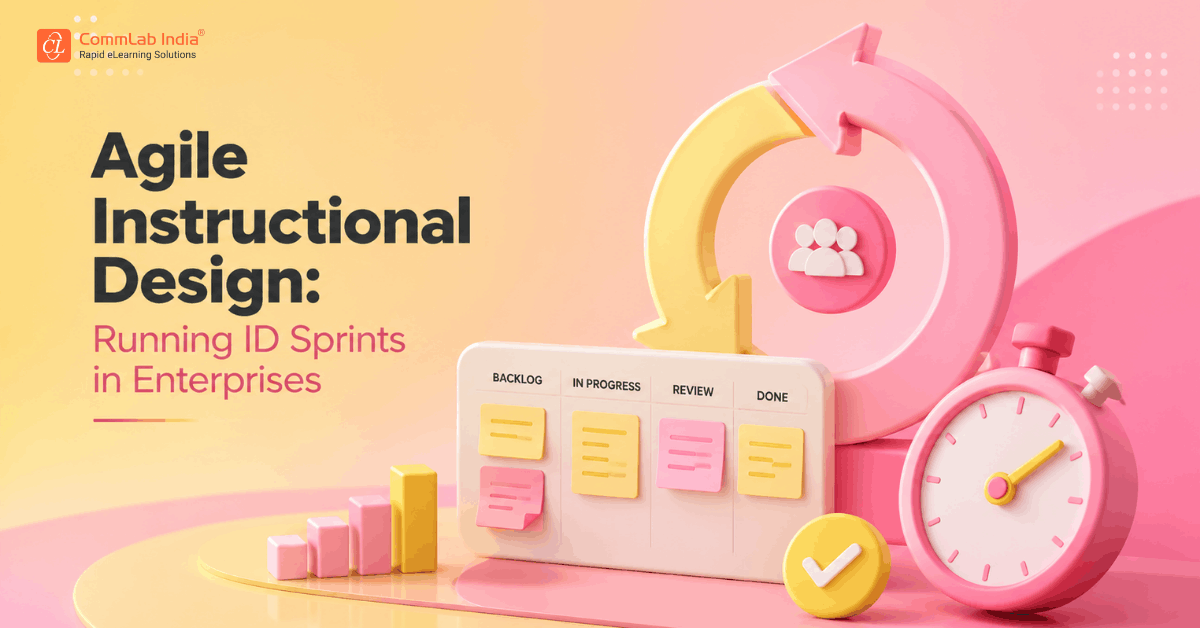
That's why agile instructional design is gaining real traction in large organizations. Borrowed from software development, the sprint model gives L&D teams a repeatable, structured way to design, review, and ship training in compressed cycles without sacrificing quality.
This blog breaks down how enterprise L&D teams are applying ID sprints in practice, what makes them work at scale, and how to avoid the mistakes that derail most agile rollouts.
Table Of Content
- What is Agile Instructional Design?
- What an Instructional Design Sprint Looks Like in Practice?
- Why Enterprise L&D Teams Struggle with Agile ID and How to Fix It
- Applying Agile ID to Custom eLearning at Enterprise Scale
- Getting Started: Three Decisions That Set You Up to Succeed
- Frequently Asked Questions About Agile Instructional Design
- Making Agile Instructional Design Work for your Team
What is Agile Instructional Design?
Agile instructional design applies the core principles of agile project management — iterative development, cross-functional collaboration, and continuous feedback to the eLearning design process.
Instead of delivering a finished course after months of development, agile ID teams release working content in short, focused cycles (sprints). Each sprint produces something testable: a module, a scenario, a prototype. Stakeholders review it, provide feedback, and the team iterates.
The result is a faster feedback loop, fewer late-stage revisions, and training that reflects what the business actually needs, not what was agreed on in a kickoff meeting six months ago.
How it Differs from Traditional Instructional Design
Traditional ADDIE-based workflows follow a linear path from analysis to evaluation. That structure has value, but it creates long feedback cycles. A subject matter expert (SME) might not see course content until it's nearly finished, at which point changes are expensive.
What an Instructional Design Sprint Looks Like in Practice?
A typical instructional design sprint runs one to three weeks. Here's how it breaks down in a corporate training context:
- Sprint planning: The team selects a slice of content from the broader project — one learning objective, one module, one scenario set. The scope is deliberately limited. Trying to design an entire course in a single sprint defeats the purpose.
- Design and development: The instructional designer works on content structure, scripts, and interactivity. For rapid eLearning, this often means building directly in the authoring tool rather than producing a full storyboard first.
- SME review checkpoint: A focused review session, not an email thread where the SME responds to a working draft, not a specification document. This single change eliminates a major source of revision cycles.

- Retrospective and handoff: The sprint closes with a short team retrospective. What slowed things down? What worked? The output moves to QA or pilot testing.
Why Enterprise L&D Teams Struggle with Agile ID and How to Fix It
Agile methodologies weren't designed for instructional design, and the translation isn't always clean. Here are the most common failure points in large organizations.
1. Stakeholder alignment is harder at scale
In a large enterprise, "stakeholder input" can mean coordinating across HR, compliance, operations, and three regional business units. If the sprint review process isn't structured, it collapses into committee feedback, which is the opposite of agile.
The fix: designate one business-side decision-maker per sprint. All other input funnels through them. This is a governance decision, not a design one, it needs executive sponsorship to hold.
2. SME availability bottlenecks sprint velocity
SMEs are rarely dedicated to corporate training projects. A two-week sprint can stall if the SME review session keeps getting postponed.
The fix: lock SME time at the sprint planning stage, not after design starts. A 90-minute review commitment per sprint is far easier to schedule two weeks in advance than on short notice.
3. Authoring tools aren't built for iteration
Many eLearning design workflows assume a linear production process — write, storyboard, build, review. That doesn't support rapid iteration well.
The fix: Prototype directly in the authoring tool rather than producing full storyboards first. Use modular content architecture so individual units can be updated without rebuilding the whole course, and establish a shared asset library before sprint one to accelerate every sprint that follows.
Applying Agile ID to Custom eLearning at Enterprise Scale
Agile instructional design doesn't mean low-quality output. It means prioritizing working content over comprehensive documentation — a principle that maps well to custom eLearning development in regulated or complex industries.
Sprint-based development allows enterprise L&D teams to build, review, and validate content in smaller units, keeping subject matter experts engaged throughout rather than overwhelming them with a full course at the end. Structured review checkpoints within each sprint ensure accuracy without slowing the overall timeline.
Getting Started: Three Decisions That Set You Up to Succeed
If you're introducing agile instructional design into an enterprise environment, these three decisions matter more than any specific tool or template:
1. Define your sprint scope before your first sprint
Scope creep kills agile projects. Agree upfront on what constitutes a "completable" unit of design work — a module, a scenario cluster, a topic area and protect that boundary.
2. Make reviews synchronous
Email-based reviews generate comment threads, not decisions. Sprint reviews work best as short live sessions with a designated approver in the room.
3. Start with one project, not a program-wide rollout
Applying agile ID to a single high-priority course first lets you calibrate the process before scaling it across the L&D team.
Frequently Asked Questions About Agile Instructional Design
1. What is agile instructional design, and how does it differ from ADDIE?
A. Agile instructional design uses short, iterative sprint cycles to develop and refine training content, rather than moving linearly through the phases of ADDIE. The key difference is when feedback happens in agile ID, it's built into every sprint, not concentrated at the end of the project.
2. Can agile instructional design work for compliance or regulated training?
A. Yes. Regulated industries like financial services, pharma, and manufacturing use agile ID effectively by building structured review and sign-off steps into the sprint process. Sprints are faster, but the governance rigor stays the same, it's just applied to smaller pieces of content at a time.
3. What authoring tools support rapid eLearning under an agile model?
A. Tools like Articulate 360, Adobe Captivate, and Lectora support iterative development workflows. The bigger factor is how your team structures the authoring process — modular content architecture and shared asset libraries matter more than the specific tool you choose.
Making Agile Instructional Design Work for your Team
Agile instructional design isn't a silver bullet, but for enterprise L&D teams under pressure to deliver faster, it offers a structurally better path than waterfall alternatives. ID sprints create tighter feedback loops, surface problems earlier, and produce eLearning solutions that stay aligned with business needs as those needs evolve.
The teams making it work aren't chasing the perfect agile process, they're applying the core principle consistently: ship something real, get feedback, improve it.
Want to strengthen your instructional design approach? Download our free eBook to master the basics of learning design, explore the eLearning standards that matter most, and follow a streamlined instructional design process from start to finish.