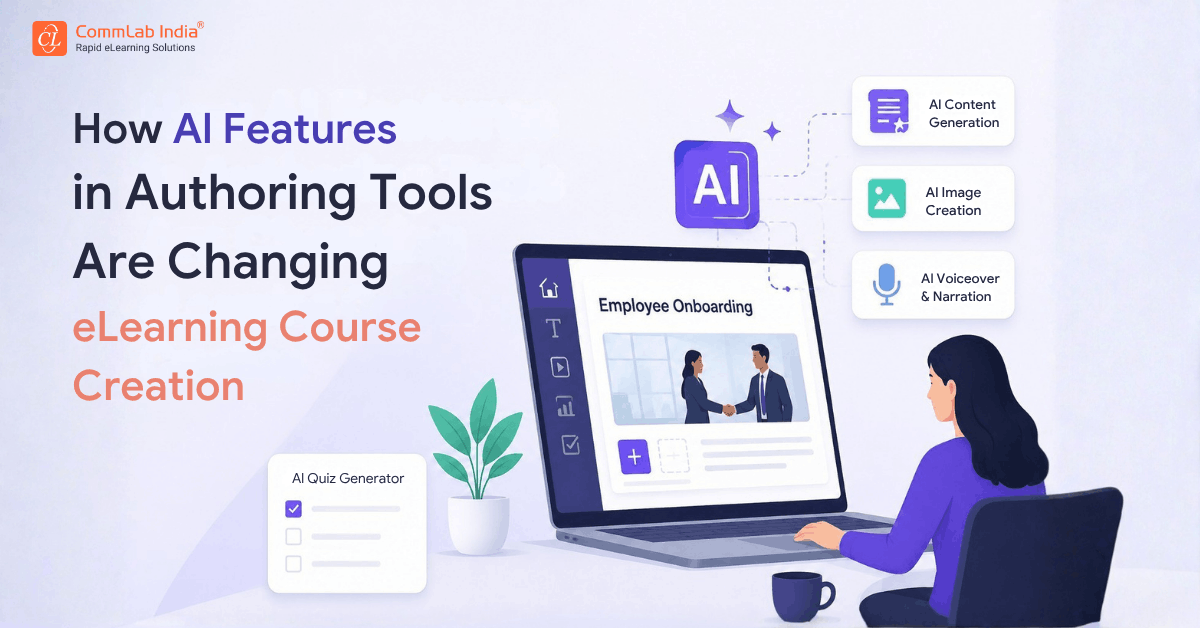
Enterprise Learning and Development teams are under pressure to do more with less. They need to launch training faster, support global workforces, personalize learning experiences, and continuously update content as business needs evolve. Traditional authoring tools have helped streamline eLearning development, but the latest wave of AI is changing what's possible.
Today's eLearning authoring tools go beyond content creation. They assist with learning design, automate translations, generate assessments, create visuals and voiceovers, and even help personalize learning experiences for different audiences. For organizations with thousands of employees across regions, these capabilities can significantly reduce eLearning development timelines while improving consistency and scalability.
So, what exactly can AI do inside modern authoring tools, and what should enterprise L&D leaders pay attention to? Let’s explore in this blog.
Table Of Content
- Why are AI Features Becoming Essential in Authoring Tools?
- How do Leading Authoring Tools Use AI Differently?
Why are AI Features Becoming Essential in Authoring Tools?
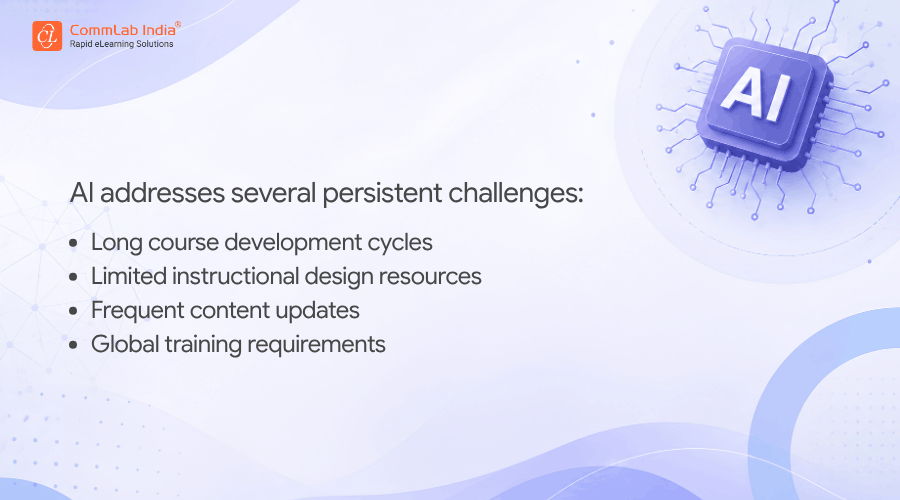
The demand for corporate training has expanded dramatically. Large organizations must support onboarding, compliance, leadership development, technical training, customer education, and continuous upskilling, often across multiple languages and geographies.
How do Leading Authoring Tools Use AI Differently?
While most modern AI authoring tools offer content generation and automation features, their strengths vary significantly. Some focus on rapid course creation, others on localization, and some on simplifying instructional design for non-experts.
Articulate 360
Articulate 360 positions AI as a comprehensive learning design assistant that supports content creation, media development, and assessment generation from within a single environment.
1. AI-Powered Course Drafting
Articulate's AI Assistant can transform a prompt or source document into:
- Course outlines
- Lessons
- Complete course drafts
Instead of starting with a blank screen, instructional designers can quickly generate a working structure and refine it for their audience.
2. AI Content Enhancement
The platform also helps improve existing content by:
- Adjusting tone and style
- Improving readability
- Correcting grammar
- Expanding content where needed
This is particularly useful when adapting technical or compliance training content for different learner groups.
3. AI-Generated Visuals and Voiceovers
Articulate enables course creators to generate:
- Custom images
- Natural-sounding voiceovers
- Multimedia learning assets
Without relying on external design or audio tools.
4. AI Assessment Creation
Quiz development is streamlined through AI-generated:
- Knowledge checks
- Assessment questions
- Topic-specific evaluations
- Difficulty-based question sets
This helps accelerate one of the most time-intensive stages of eLearning course development.
iSpring Suite
iSpring focuses heavily on helping training teams create and localize courses faster while reducing dependency on external resources.
Watch this video to discover the key iSpring Suite features that make eLearning course creation faster, easier, and more effective.
1. AI-Powered Course Planning
Through its cloud-based AI environment, iSpring helps course creators:
- Generate course titles
- Build outlines
- Suggest course structures
- Create assessment questions
This provides a strong starting point before detailed course development begins.
2. AI Translation for Global Learning
One of iSpring's strongest capabilities is fast eLearning translation.
Courses can be translated into more than 70 languages while maintaining the original structure and formatting. This is especially valuable for multinational organizations delivering training across regions.
3. AI Image Generation
Course creators can generate custom visuals directly within the platform, helping reduce design bottlenecks and improve course relevance.
4. AI Voice and Audio Support
The platform supports text-to-speech generation and allows creators to integrate audio into video-based learning projects more efficiently.
5. Built-In AI Support Assistant
Unlike many tools that focus only on content generation, iSpring also includes an AI-powered in-product assistant that provides immediate guidance and troubleshooting support during course development.
Elucidat
Elucidat's AI strategy is centered on helping teams create better learning experiences through instructional design guidance and scalable content production.
Watch this video to explore how Elucidat helps teams create, scale, and personalize high-quality eLearning with ease.
1. AI-Generated Learning Structures
Rather than simply generating content, Elucidat helps users begin with:
- Learning-focused outlines
- Recommended course frameworks
- Best-practice content structures
This approach is particularly useful for organizations that rely heavily on subject matter experts who may lack formal instructional design expertise.
2. Learner-Based Personalization
A distinguishing feature is Elucidat's ability to help tailor training for specific learner groups.
Teams can define learner groups and create more relevant learning experiences without rebuilding content from scratch.
3. AI-Powered Knowledge Conversion
Organizations can upload PDFs and source documents into a centralized knowledge base.
The AI can then transform those assets into:
- Course outlines
- Learning components
- Draft content
- Structured training projects
This significantly accelerates the conversion of organizational knowledge into training assets.
4. Enabling Broader Content Creation
By embedding learning design guidance into the workflow, Elucidat helps more employees contribute to content creation while maintaining quality standards.
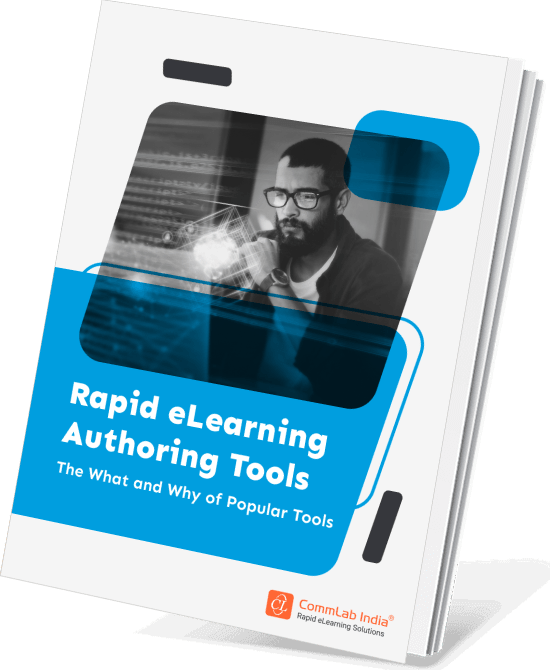
Rapid eLearning Authoring Tools
Explore the What and the Why of Popular Rapid eLearning Development Tools, and GenAI Tools
- Categories of eLearning Authoring Tools
- Considerations to Choose Your Next Authoring Tool
- Features of Popular Rapid Authoring Tools
- GenAI Tools to Create Content, Graphics, Audio, and Video
Adobe Captivate
Adobe Captivate has expanded its AI capabilities to support nearly every aspect of content production, from writing and visuals to localization and accessibility.
1. AI Content Generation
Course creators can:
- Generate new content
- Rewrite existing text
- Simplify complex information
- Expand learning materials
- Adapt content for different audiences
This helps speed up content development while maintaining instructional flexibility.
2. AI Image Creation with Adobe Firefly
Captivate integrates directly with Adobe Firefly, enabling creators to generate custom visuals without leaving the authoring environment.
This streamlines visual asset production for custom eLearning projects.
3. AI Avatars and Digital Instructors
One of Captivate's standout capabilities is the creation of AI-powered avatars that can act as virtual trainers.
These avatars can transform scripts into presenter-style learning experiences, making content more engaging and dynamic.
4. AI Voiceovers and Transcript Generation
Captivate supports:
- Automated narration
- Voiceover generation
- Transcript creation
- Caption generation
- Accessibility enhancements
This reduces production effort while supporting compliance with accessibility requirements.
5. AI Assessment Development
Like other leading platforms, Captivate can automatically generate quiz questions based on course content, helping instructional designers build assessments more efficiently.
6. Multilingual Learning Support
Captivate also supports translation and multilingual narration, helping organizations scale global training initiatives more effectively.
What’s Next?
Start by identifying where AI can remove friction from your eLearning development workflow—course drafting, translations, assessments, voiceovers, visuals, or personalization. Then, evaluate authoring tools not just by features, but by how well they help your team scale faster, create better learning experiences, and keep enterprise training aligned with business needs.
Want to explore more tools and their capabilities for eLearning development?
Download our eBook on authoring tools and discover which platforms can best support your next training initiative.