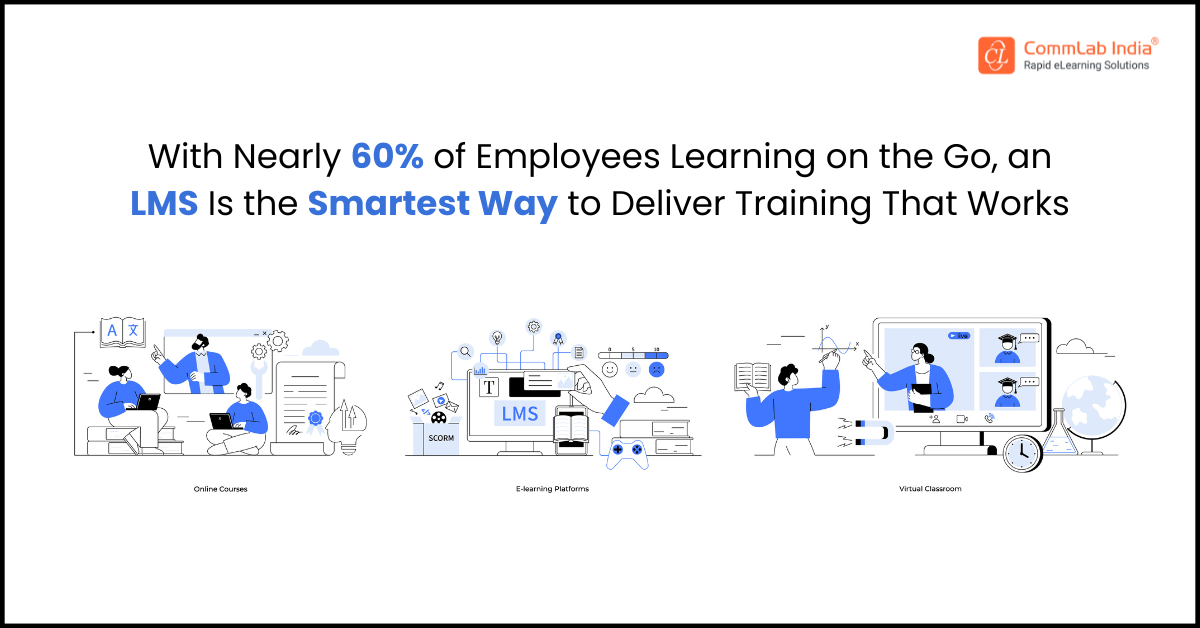
Do you use a learning management system (LMS) for employee development? Your workforce is your asset. A company is like a machine with various parts working to maximize output. It functions like a well-oiled one when all the employees play their roles efficiently. However, one of the biggest challenges for any company is keeping their employees engaged and satisfied. Lack of engagement often results in high ratios of voluntary turnover, which can prove very costly for the institution. The cost of replacing an employee can be twice their salary. Additionally, losing employees is an obstruction to the regular performance of the company.
Did you know that a learning management system (LMS) can help a company with employee retention? Leveraging an LMS can boost employee satisfaction by engaging the employees in a strong employee development program. High engagement results in high satisfaction, resulting in lower turnover and saving costs.
Download Now: A Beginner’s Guide to Learning Management Systems
Table Of Content
- What Is a Learning Management System for Employee Development?
- What is the Key LMS Features That Strengthen Employee Development?
- What Goes Into Choosing the Most Suitable LMS?
What Is a Learning Management System for Employee Development?
A Learning Management System (LMS) for employee development is a centralized digital platform that helps organizations deliver, manage, and track learning at scale. It enables employees to build new skills through structured programs, self-paced courses, and continuous learning pathways.
An LMS also gives L&D teams clear visibility into progress, performance, and skill gaps—making development more strategic and measurable.
Watch to Discover the Best LMS for Corporate Training
Key Functions of an LMS for Employee Development
- Hosts courses, videos, and learning materials in one accessible location
- Creates personalized learning paths based on roles and skill goals
- Tracks progress, completions, and learner performance
- Offers assessments and certifications to validate skills
- Provides mobile learning for on-the-go skill building
- Supports blended learning (self-paced + virtual + in-person)
- Integrates with HR systems for unified talent and performance data
- Enables social learning through discussions and collaborative spaces
- Automates reminders, deadlines, and learning assignments
What is the Key LMS Features That Strengthen Employee Development?
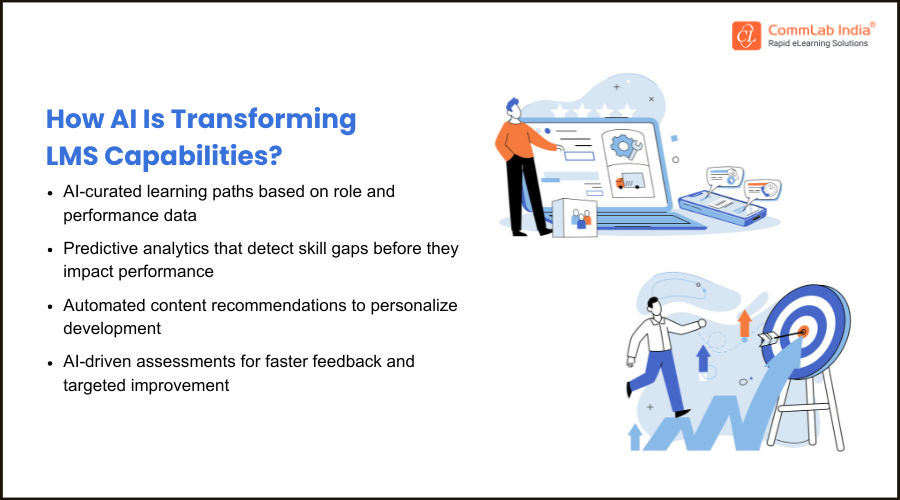
An LMS strengthens employee development by centralizing training and making learning easy to access. It supports continuous growth through personalized paths and flexible, self-paced learning. With built-in tracking and analytics, it helps organizations measure progress and improve skill-building.
This shift toward structured, accessible, and data-driven learning mirrors a broader trend highlighted in a report by Deloitte, which notes that “workers are spending 50% more time learning this year than the last” — a clear sign that continuous learning is becoming a core expectation in the modern workplace.
Here are the features that have the biggest impact:
1. Centralized and Flexible Content Management
An LMS keeps all learning materials in one place, making it easy to create, update, and reuse training modules for different teams and stages of employee growth.
2. Built-In Accessibility for Diverse Learners
Modern LMS platforms support auditory, visual, cognitive, and mobility needs, ensuring every employee can learn comfortably and inclusively.
3. Interactive and Blended Learning Experiences
With options like VILT sessions, coaching, and interactive eLearning, LMS platforms keep learners engaged and create a more dynamic training environment.
4. Real-Time Dashboards for Tracking Progress
Managers gain instant visibility into learner activity—courses assigned, progress made, and completions—allowing them to identify gaps and provide timely support.
5. Anywhere, Anytime Learning Through the Cloud
Employees can learn at their own pace, revisit content whenever needed, and access training from any location—ideal for remote, shift-based, or global teams.
6. Data and Analytics for Smarter Training Decisions
LMS analytics reveal which courses work, where learners struggle, and how training impacts performance—helping L&D teams create more targeted, effective programs.
What Goes into Choosing the Most Suitable LMS?
What LMS Features Most Effectively Drive Employee Development?
Key features of LMS that promote employee development:
- Adaptability in the development of learning modules
- Learners may choose from many accessible alternatives
- Interactive interface to express their interests in learning subjects
- A dashboard displays their registered courses, their progress, and their tasks
- The full cloud-based program is accessible from any location, and is accessible to learners at any time
- Learning analytics facilitates the creation of more learner-centric and successful courses
Choosing the most suitable LMS involves evaluating how well it aligns with your training goals, workforce needs, and scalability requirements.
It also requires assessing usability, integration capabilities, and analytics to ensure long-term impact and ease of adoption.
Here are the considerations:
Determine Your Needs
Before choosing an LMS, outline the specific learning needs of your workforce and how those needs influence retention. For example, if employees feel overwhelmed by tech, a simple, intuitive LMS prevents frustration and drop-offs. If your workforce includes millennials and Gen Z, an LMS with diverse, engaging formats keeps them motivated and invested in their growth—key factors that improve retention.
Consider Your Finances
LMS pricing varies widely. Select a system that fits your L&D budget while still offering features that support long-term development—one of the strongest retention drivers. Flexible payment models like pay-per-learner or subscription-based plans make it easier to invest consistently in employee growth without overspending.
Assess the Compatibility of Content
Employees stay longer when training aligns with how they actually learn. Before selecting an LMS, map out the types of content your program requires—videos, simulations, assessments, microlearning, or blended learning. Choosing an LMS that supports your content needs ensures smoother experiences, better engagement, and stronger skill-building, all of which contribute to higher retention.
A Beginner’s Guide to Learning Management Systems
- Understanding the Characteristics of a New-age LMS
- Selecting the Right LMS
- Outsourcing LMS Administration and Support
- And More!
Ensure Mobile-Friendly Learning & Reporting
A large portion of today’s workforce—especially frontline, hybrid, and remote employees—learn on tablets and mobile devices. A mobile-friendly LMS increases participation, makes learning convenient, and helps employees stay consistent with development goals. When learning feels accessible instead of burdensome, retention naturally improves.
Define Your LMS Requirements
List the features that directly influence learning satisfaction and retention—social learning, gamification, personalized paths, seamless enrollment, and strong assessment systems. Also consider vendor support; quick resolution of technical issues prevents disruptions that discourage learners and negatively affect their progress.

Investigate the Market
After identifying your needs, compare LMS options that offer the best mix of usability, scalability, and learner-focused features. The right LMS sustains momentum in your employee development strategy—helping employees feel supported, valued, and more likely to stay long-term.
Conclusion
A well-chosen LMS does more than streamline training—it elevates employee development, strengthens retention, and supports a workforce that can grow confidently with the organization. When learning is accessible, personalized, and backed by actionable insights, employees stay engaged, motivated, and aligned with evolving business needs.
To help you take the next step, we’ve created a practical eBook that simplifies LMS essentials—from how the technology has evolved to the features that matter most, and the key considerations before selecting a platform. It also includes checklists for vendor evaluation, outsourcing options, and administrative support to guide well-informed decisions.
Download Now