Most LMS implementations fail quietly. Not because the system is broken. Not because the features are missing. But because learners simply choose not to engage. They log in when required, complete what is mandatory, and disengage as quickly as possible.
This pattern is not accidental. It reflects a deeper issue in how LMS platforms are designed and experienced.
For years, LMS decisions have been driven by functionality. Organizations focused on what the system could do rather than how it would be experienced. As a result, many platforms became operationally efficient but experientially weak.
Download Now: A Beginner’s Guide to Learning Management Systems
Today, that imbalance is no longer sustainable.
Learners expect the same level of usability, personalization, and responsiveness they experience in consumer applications. They expect learning to be intuitive, relevant, and seamlessly integrated into their work.
This shift is redefining the LMS. It is no longer enough for a system to manage learning.It must enable it. This requires a new approach, one that places user experience, customization, and learning effectiveness at the center of LMS design and strategy.
Why LMS Experience Determines Success
An LMS may be technically robust, feature-rich, and fully integrated, yet still fail to deliver impact if learners find it difficult or unengaging to use.
This is because learning systems are ultimately human systems. Their effectiveness depends on how people interact with them.
When the experience is intuitive, learners engage willingly. When it is complex or disconnected, they disengage, regardless of the quality of content.
This makes user experience a critical determinant of LMS success.
It influences adoption, engagement, completion rates, and ultimately, learning outcomes.
Moving from System Design to User-Centric Design
Traditional LMS design focused on administrative efficiency. Systems were structured around courses, catalogs, and reporting requirements. While these elements are important, they often overlooked the learner’s perspective.
User-centric design shifts the focus.
Instead of asking how the system should be organized, organizations must ask how learners will interact with it. This involves understanding user behavior, expectations, and context. Learners do not approach an LMS as a system. They approach it as a tool to solve a problem.
Designing for this mindset requires simplifying navigation, reducing friction, and ensuring that relevant content is easily accessible.
Customization as a Strategic Capability
Customization is often viewed as a technical feature. In reality, it is a strategic capability.
A standardized LMS may provide consistency, but it cannot fully address the unique needs of different organizations, industries, or user groups.
Customization allows organizations to align the LMS with their specific workflows, branding, and learning strategies. This includes tailoring interfaces, learning paths, reporting structures, and integrations.
More importantly, customization enables relevance. It ensures that learners see content, interfaces, and experiences that reflect their roles and responsibilities.
However, customization must be balanced with maintainability. Over-customization can increase complexity and limit scalability. The goal is not to customize everything. It is to customize what matters.
Designing for Different Learners and Roles
An LMS serves multiple audiences. It operates within a complex ecosystem of stakeholders, each interacting with the platform for very different reasons. Employees engage with it to learn and grow, managers rely on it to monitor team capability, administrators use it to manage and maintain the system, and external audiences such as customers or partners may depend on it for enablement.
Each of these groups brings distinct expectations, motivations, and usage patterns.
When an LMS is designed as a one-size-fits-all system, it inevitably creates friction. Learners struggle to find relevant content, managers lack actionable visibility, and administrators are burdened with inefficient workflows. The result is not just poor user experience, but reduced adoption and diminished learning impact.
A more effective approach is to design the LMS as a role-based experience. This means structuring the platform so that each user group encounters an interface, content flow, and functionality aligned with their specific needs.
- For learners, the experience should prioritize clarity and relevance. They should be able to quickly identify what matters to them, access learning without unnecessary navigation, and clearly understand their progress. Learning paths, personalized recommendations, and intuitive dashboards help create a sense of direction and momentum.
- For managers, the LMS must function as a visibility and decision-support tool. They need access to meaningful insights into team performance, skill gaps, and learning progress. The focus here is not on consuming content, but on enabling action. Dashboards, reports, and alerts should be designed to support timely interventions and informed decision-making.
- For administrators, efficiency and control are paramount. Their experience should streamline tasks such as user management, course assignments, reporting, and system maintenance. A well-designed administrative interface reduces operational complexity and ensures that the LMS can scale without becoming difficult to manage.
- External users introduce another layer of complexity. Their experience must be simplified, branded appropriately, and aligned with specific objectives such as product training, compliance, or partner enablement. Unlike internal users, they often require a more guided and curated experience.
Designing for these distinct roles does not mean creating entirely separate systems. It means creating layered experiences within a unified platform.
When done effectively, this approach transforms the LMS from a generic system into a personalized environment where each user interacts with what is most relevant to them.
This not only improves usability, but also strengthens engagement, accelerates learning, and enhances the overall effectiveness of the platform.
Creating Intuitive LMS Interfaces
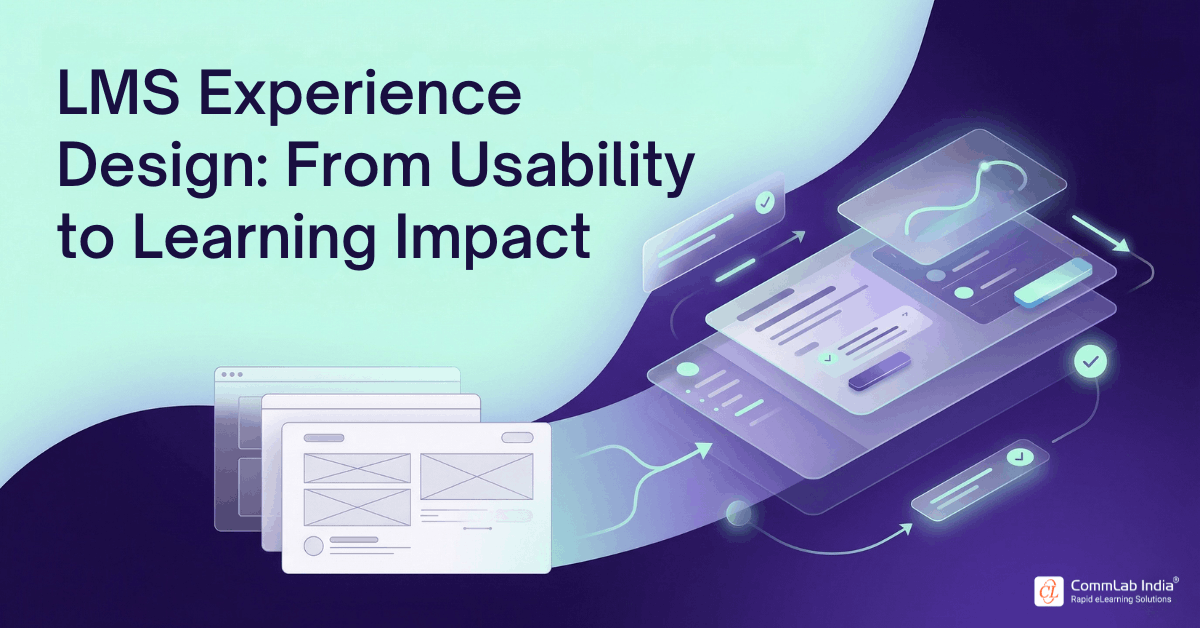
Interface design plays a central role in shaping user experience. An intuitive LMS interface reduces cognitive load, making it easier for learners to find content, navigate pathways, and complete tasks. This requires clarity in structure, consistency in design, and simplicity in interaction.
Navigation should be logical and predictable. Content should be organized in a way that reflects how learners think, not how systems are structured.
Visual design also matters. Clean layouts, clear labels, and responsive design contribute to a more engaging experience.
An intuitive interface does not draw attention to itself. It allows learners to focus on learning.

A Beginner’s Guide to Learning Management Systems
- Understanding the Characteristics of a New-age LMS
- Selecting the Right LMS
- Outsourcing LMS Administration and Support
- And More!
Simplifying Access, Registration, and Onboarding
One of the most overlooked aspects of LMS design is access.
If learners encounter friction during registration, login, or onboarding, engagement declines before learning even begins.
Simplifying access involves streamlining registration processes, enabling single sign-on, and reducing unnecessary steps.
Onboarding should guide users through the system, helping them understand how to navigate, access content, and track progress.
These initial interactions shape first impressions and influence long-term adoption.
Embedding Learning into the Flow of Work
Learning is most effective when it is integrated into daily work. This requires moving beyond standalone training programs and embedding learning within workflows.
The LMS can support this by providing just-in-time access to resources, integrating with work tools, and delivering context-specific content.
When learning is available at the moment of need, it becomes more relevant and impactful.
This approach transforms the LMS from a destination into a support system.
Aligning LMS with Learning Effectiveness
Ultimately, the purpose of an LMS is to improve learning outcomes.
This requires aligning system design with principles of effective learning.
Clear objectives must be defined for each learning program. Content must be structured to support progression and retention. Assessments must measure understanding and application.
The LMS should support these elements by enabling structured learning paths, tracking progress, and providing feedback.
Effectiveness is not achieved through features alone.
It is achieved through alignment between system capabilities and learning design.
Standards, Systems, and Structural Clarity
Modern LMS platforms must support established learning standards such as SCORM and other content formats.
These standards ensure compatibility, interoperability, and scalability across different systems and content types.
Understanding the distinction between LMS and related systems such as LCMS is also important. While the LMS focuses on delivery and management, the LCMS focuses on content creation and management.
Clarity in these roles helps organizations design more effective learning architectures.
Positioning LMS in a Modern Learning Architecture
The LMS is no longer the only system in the learning landscape. It operates alongside learning experience platforms, content libraries, and other tools. Understanding its role within this architecture is essential.
The LMS provides structure, governance, and tracking. Other systems may provide content, personalization, or engagement. Together, they form a cohesive ecosystem. Organizations must ensure that these systems work together rather than compete.
Organizations that focus only on LMS functionality risk creating systems that are technically sound but underutilized. Those that prioritize user experience and customization create platforms that learners actively engage with, leading to better outcomes and stronger alignment with business goals.
The LMS must evolve from a system of control to a system of enablement.
FAQ
1. What makes an LMS user-friendly?
A. A user-friendly LMS offers intuitive navigation, easy access to content, clear structure, and minimal friction in completing tasks.
2. Why is customization important in LMS?
A. Customization allows organizations to tailor the LMS to their workflows, branding, and learning strategies, improving relevance and engagement.
3. How can LMS improve learning effectiveness?
A. By supporting structured learning paths, assessments, feedback, and integration with real-world tasks.
4. What is the difference between LMS and LCMS?
A. An LMS manages and delivers learning, while an LCMS focuses on creating and managing content.
5. How do you improve LMS adoption?
A. By simplifying access, improving user experience, and aligning learning with user needs.
6. What role does SCORM play in LMS?
A. SCORM ensures compatibility between content and LMS platforms, enabling tracking and interoperability.
Conclusion
The future of LMS is not defined by what it can do. It is defined by how it is experienced.
Organizations that invest in user-centric design, thoughtful customization, and aligned learning strategies will create systems that learners choose to use, not just systems they are required to use.
Because in the end, the success of an LMS is not measured by its features. It is measured by its impact on learning.