
A One-to-Many Drag-and-Drop Interactivity in Articulate Storyline
This blog post shares insights on how to create one-to-many drag and drop interactivity in articulate storyline.
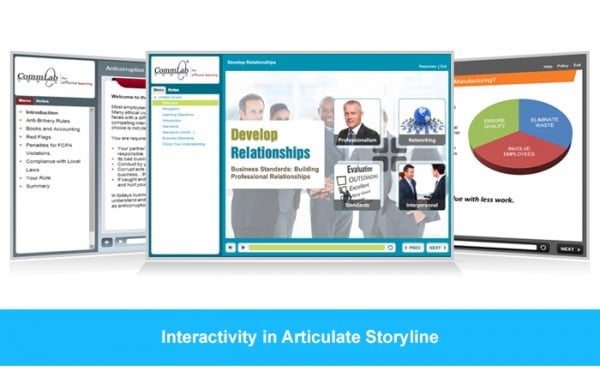
This blog post shares insights on how to create one-to-many drag and drop interactivity in articulate storyline.

Adding videos to your course is easy with Articulate Storyline. Let us learn some ways to add videos in storyline.

This blog post shares insights on how to calculate user’s time spent on each slide while taking an eLearning course using articulate storyline.

This blog post shares 7 steps to Create and Reuse the customized player template in Articulate Storyline.

Easily customize the progress bar in Articulate Storyline to enhance your eLearning courses. Adjust design, color, and functionality to match your...
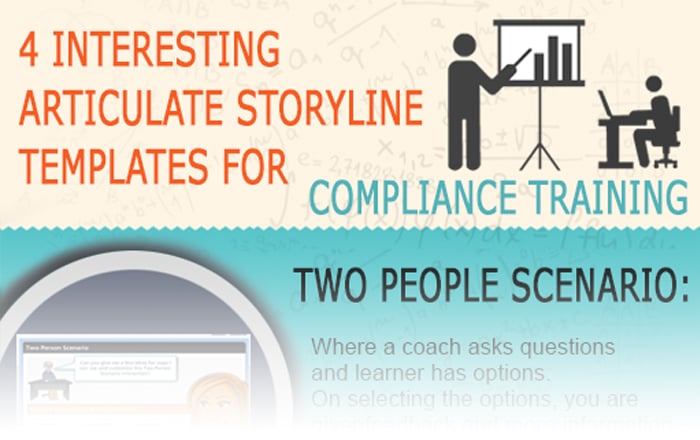
Here is an infographic that shares some interesting articulate storyline templates for compliance training.

Learn how to create engaging Watch and Try simulations in Articulate Storyline with these 7 easy steps. Perfect for creating interactive eLearning...

Simulations can be used to teach software applications in virtual life. Let’s see how Articulate Storyline is a right tool for creating simulations.

Articulate Storyline is a wonderful tool to develop different types for interactivities. Let us see how we can customize Result slide in Storyline.