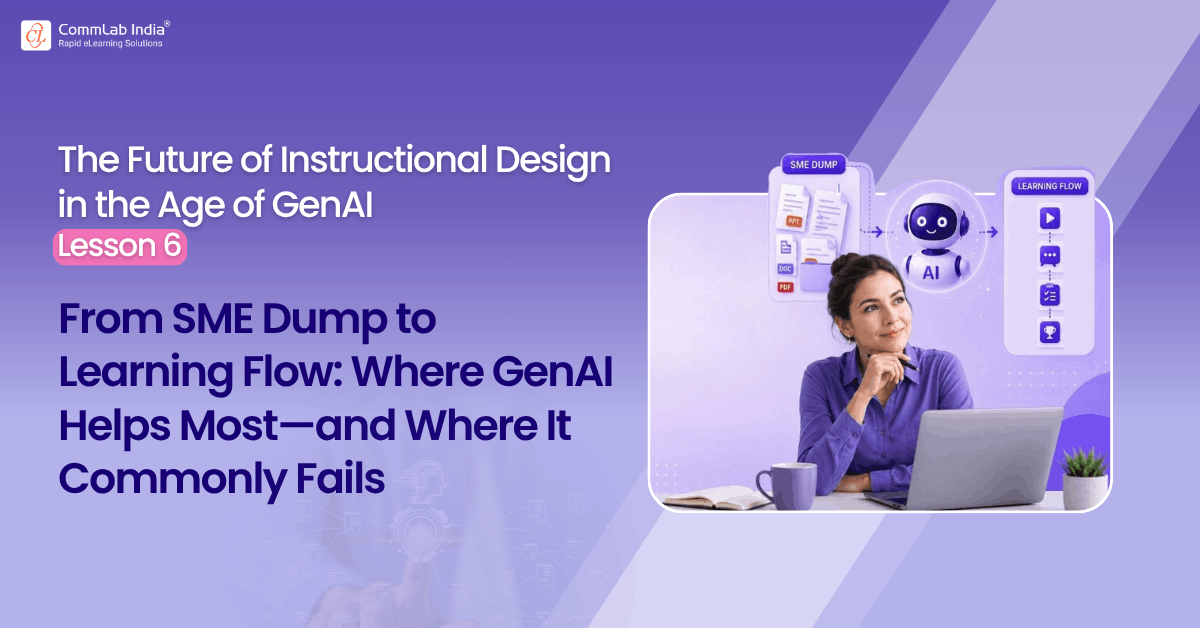
If there is one part of instructional design where GenAI can save serious time, it is this one.
The SME dump.
Every instructional designer knows the experience. A project begins with a pile of source material: PowerPoint decks, SOPs, policy manuals, technical documents, screenshots, workshop notes, meeting recordings, marked-up PDFs, half-explained comments from stakeholders, and a training intake form that may or may not be useful. Somewhere inside all that is the learning need. But it is buried.
This is where many instructional designers immediately see the appeal of GenAI.
Upload the content.
Ask for a summary.
Ask for key points.
Ask for a structure.
Ask for modules.
Move on.
And to be fair, this is one of the strongest uses of the technology.
GenAI is genuinely useful when the source material is dense, repetitive, badly organized, jargon-heavy, or spread across multiple formats. It can reduce noise quickly. It can cluster concepts, identify repeated ideas, extract terminology, highlight likely themes, and convert raw material into something more readable. In terms of sheer effort saved, this may be one of the biggest productivity gains available to instructional designers today.
But it is also one of the easiest places to go wrong. Because the SME dump is not just a content problem. It is an interpretation problem.
That matters.
When AI summarizes messy SME material, it does not simply compress information. It also imposes a structure on it. It decides what looks important, what seems related, what appears central, and what can be treated as detail. Sometimes that is useful. Sometimes it is dangerously premature.
This is the first big caution instructional designers need to remember: a clean AI summary can create the illusion of understanding.
That illusion is costly.
An instructional designer may feel clearer because the content now looks organized. But organized is not the same as understood. The AI may have oversimplified a concept, missed a business nuance, flattened an exception, merged two ideas that should remain separate, or created a logical flow that was never actually present in the SME material. The result is not always obviously wrong. In fact, it is often subtly wrong, which is more dangerous.
That is why this stage demands more discipline than many people realize.
The purpose of GenAI at the SME stage is not to replace understanding. It is to accelerate the path toward understanding.
That is a very different standard.
This article is part of a series on the future of instructional design in the age of GenAI. The series explores how instructional designers can move beyond ad hoc prompting toward a more disciplined, challenge-based human–AI working method.
Table of Contents
- Where GenAI Helps Most with SME Content?
- Where GenAI for SME Content Commonly Fails?
- A Better Way to Work with GenAI
Where GenAI Helps Most with SME Content?
In my view, AI helps most in this stage when it is used for five specific purposes.
1. Clarifying Dense or Technical Content
This is the most obvious one.
AI is very good at rephrasing difficult material into simpler language, explaining terminology, breaking down long paragraphs, and turning abstract or technical descriptions into more understandable explanations. For IDs working outside their subject-matter comfort zone, this can be extremely useful.
But there is a catch.
Simplification is not neutral. Sometimes the detail that makes a concept harder to read is also the detail that makes it instructionally important. A policy exception, a sequence dependency, a caution note, or a technical qualifier may look like clutter to AI when it is actually central to performance.
So when using AI to simplify SME content, the designer’s job is not just to appreciate clarity. It is to ask: What may have been lost in the simplification?
That question protects quality.
2. Identifying Key Concepts and Content Clusters
This is another strong use case.
When source material is scattered, AI can often identify recurring ideas, major themes, process steps, conceptual groupings, and likely topic clusters much faster than a human can on first pass. This is genuinely helpful, especially when the SME material has grown over time without instructional structure.
But again, AI is only seeing patterns in content. It is not automatically seeing patterns in performance.
That distinction is critical.
A cluster of related content is not necessarily a learning module. A concept that appears often is not necessarily the concept that matters most. A section that occupies many slides may not deserve that much instructional weight.
This is where instructional designers still have to do one of their most important jobs: distinguish between what is said most and what matters most.
AI can help find patterns. The human must still interpret their significance.
3. Surfacing Gaps, Ambiguities, and Inconsistencies
This is an underused but powerful application.
AI can compare sections, identify repeated but inconsistent language, spot missing explanations, flag unclear transitions, and point out where process descriptions seem incomplete. In some cases, it can help reveal that the SME content itself is poorly thought through.
That is valuable because many projects quietly assume the source content is coherent when it is not.
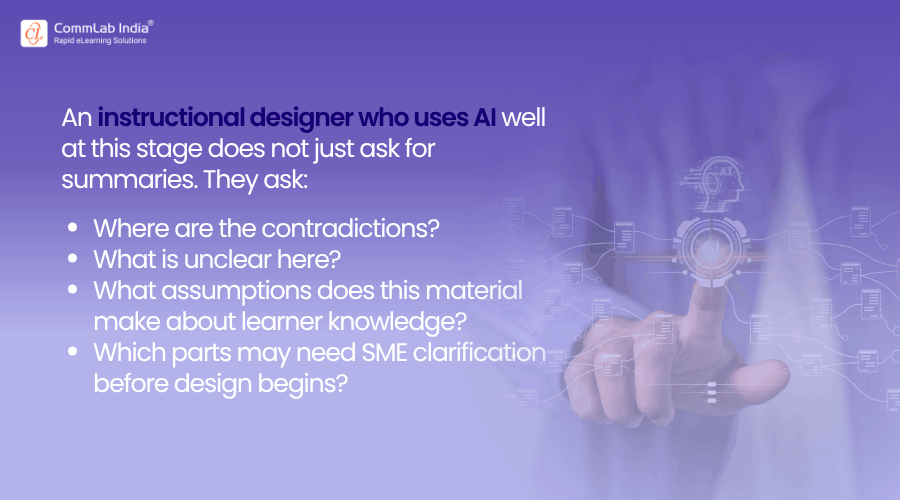
That is a much more mature use of AI.
It moves the designer from passive receiver of content to active investigator of content quality.
4. Converting Raw Material into a Preliminary Content Map
This is where AI can create real momentum.
Instead of simply summarizing, it can produce a draft content map: key topics, subtopics, relationships, dependencies, repeated points, and possible groupings. For large, messy projects, this can save a lot of time and reduce the cognitive burden of starting from a blank page.
Used well, this gives the instructional designer something valuable: not the final structure, but a draft landscape.
That is important.
The content map should be treated as a working hypothesis, not as the design itself. The goal is not to say, “AI figured out the course structure.” The goal is to say, “AI helped me see the terrain more quickly.”
That is a healthier way to use the tool.
5. Generating Comprehension Questions for the Designer
This may be one of the smartest uses of all.
Instead of asking AI only to explain the SME material, ask it to test whether you understand it. Ask it to generate questions a strong SME might ask the instructional designer before trusting them with the project. Ask it to identify concepts that are easy to misunderstand. Ask it to challenge your summary of the material.
This is where human–AI partnership in instructional design becomes more interesting.
The AI is no longer just making the source content easier. It is helping the designer become more certain that they have actually understood it.
That is a very different level of use.
And it gets to the heart of the issue: good instructional design begins not with content possession, but with content comprehension.
Where GenAI for SME Content Commonly Fails?
Now to the harder part.
If used casually, GenAI can fail at this stage in several predictable ways.
- It can over compress.
It turns complex material into cleaner, shorter explanations that feel useful but remove nuance, caveats, and conditional logic. - It can impose false structure.
It may group content neatly because neatness is statistically plausible, not because the underlying logic is truly sound. - It can blur the difference between informational importance and instructional importance.
It may emphasize what is repeated or prominent in the material rather than what matters for learner performance. - It can sound more confident than the source material deserves.
Messy SME content often contains uncertainty, incomplete reasoning, or unresolved contradictions. AI can smooth these over too early. - It can tempt the instructional designer to move forward before understanding is actually secure.
This may be the biggest danger of all. The work feels as though it has progressed simply because the material now looks organized.
That is why this stage requires discipline.
The real question is not:
Can AI summarize the SME dump?
Of course it can.
The real question is:
Can the instructional designer use AI in a way that improves understanding without mistaking structure for comprehension?
That is a much more important test.
A Better Way to Work with GenAI
In practice, I think the stronger approach looks like this: start by using AI to simplify, cluster, and map the material. Then stop.
Do not jump straight to modules and storyboard. First ask AI to highlight ambiguities, contradictions, and likely gaps. Then test your own understanding by summarizing the material in your own words, asking AI to critique your summary, generating questions you should be able to answer before moving forward, and identifying what still needs SME clarification.
Only then should learning flow begin. That may sound like an extra step. It is. But it is a valuable one.
Because once the learning flow is built on weak or shallow understanding, every later stage suffers. Objectives become generic. Assessments become superficial. Scenarios feel artificial. Storyboards become orderly but thin. And the course may look finished while missing the real performance problem entirely.
That is why the SME stage deserves more respect than it often gets, and it is why GenAI, for all its usefulness here, should be treated carefully.
Used well, it can dramatically improve the early phase of instructional design. It can reduce noise, accelerate comprehension, and give designers a much better starting point. Used badly, it can create speed without depth.
That is not a small difference, because the quality of the course later often depends on whether the designer was genuinely thinking at the beginning.
And that is exactly where GenAI can help most—or fail most.
Next in the series: Using GenAI to Reduce Text-Heavy eLearning Without Dumbing It Down.